Web Development · 1 min read
Backend Template CLI: NestJS Starter
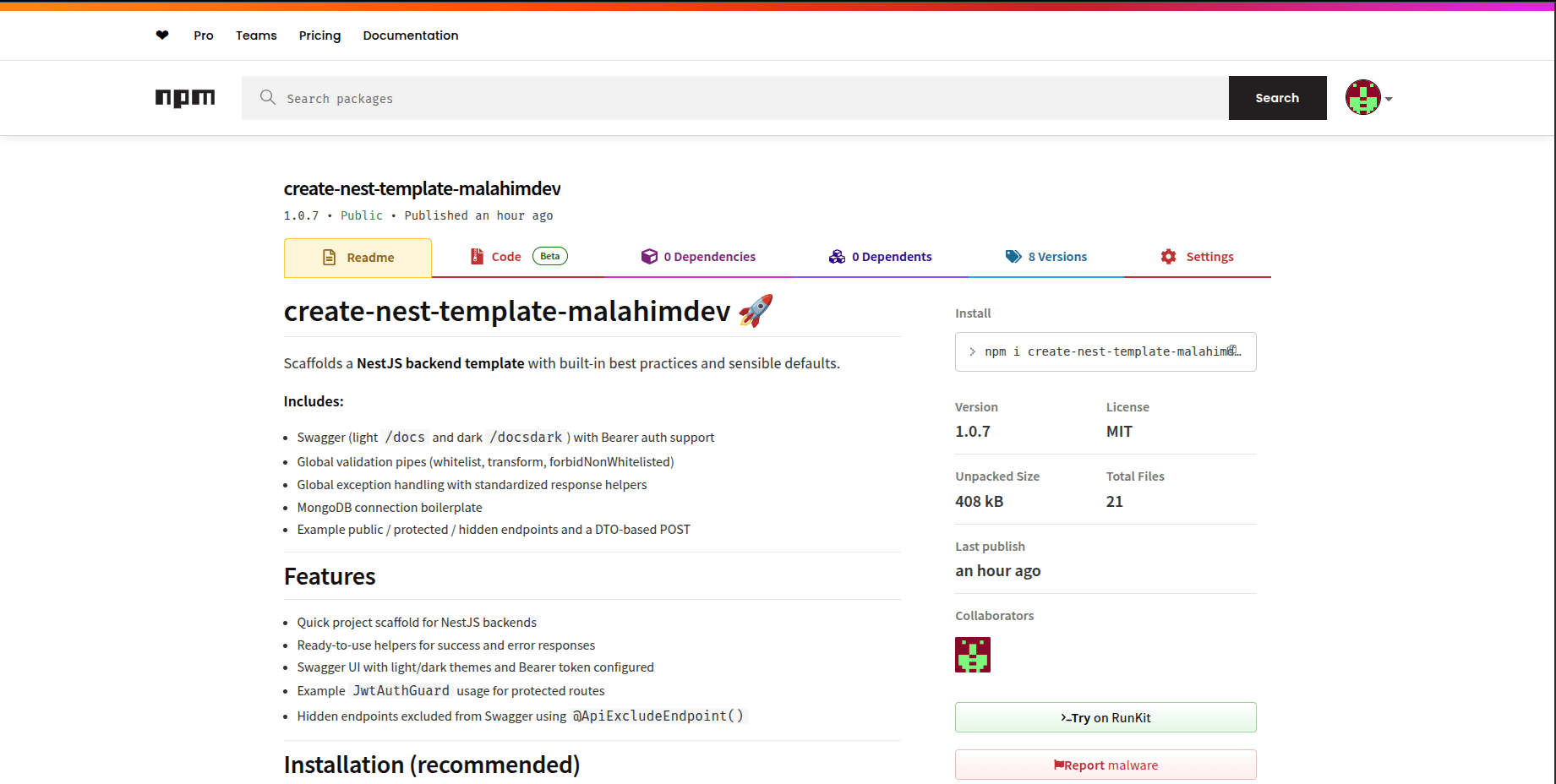
The Backend Template CLI scaffolds production ready NestJS backends with JWT auth, Swagger docs, and MongoDB already wired up, so you skip the setup grind.
The Problem
Every time I started a new NestJS project, I spent the first 30 minutes doing the same thing: setting up MongoDB connections, configuring JWT authentication, adding Swagger for API docs, and organizing the folder structure. It was boring, repetitive, and error-prone.
The Solution
I built a CLI tool that does it all in one command. Instead of starting from scratch, I run the CLI, and I have a production-ready architectural foundation in seconds.
Built-in Modules
- Auth Module: Full JWT implementation with login, register, and protected route decorators.
- Global Config: Centralized environment variable management.
- Swagger UI: Automatically available at
/api/docswith typed request/response examples. - Database Service: Pre-configured Mongoose connection with health checks.
- Docker Support: Comes with a
docker-compose.ymlfor local MongoDB and Redis setup.
Usage
npx create-nest-template-malahimdev my-awesome-backend
Impact
This tool has cut my "time-to-first-API" from 30 minutes to about 30 seconds. It ensures that every project I build follows the same high-standard architecture, making maintenance much easier.